5 Essential Apps for Overseas Travel: Flights, Stays, eSIM, Tours, and Insurance
takayuki
Nomadrista

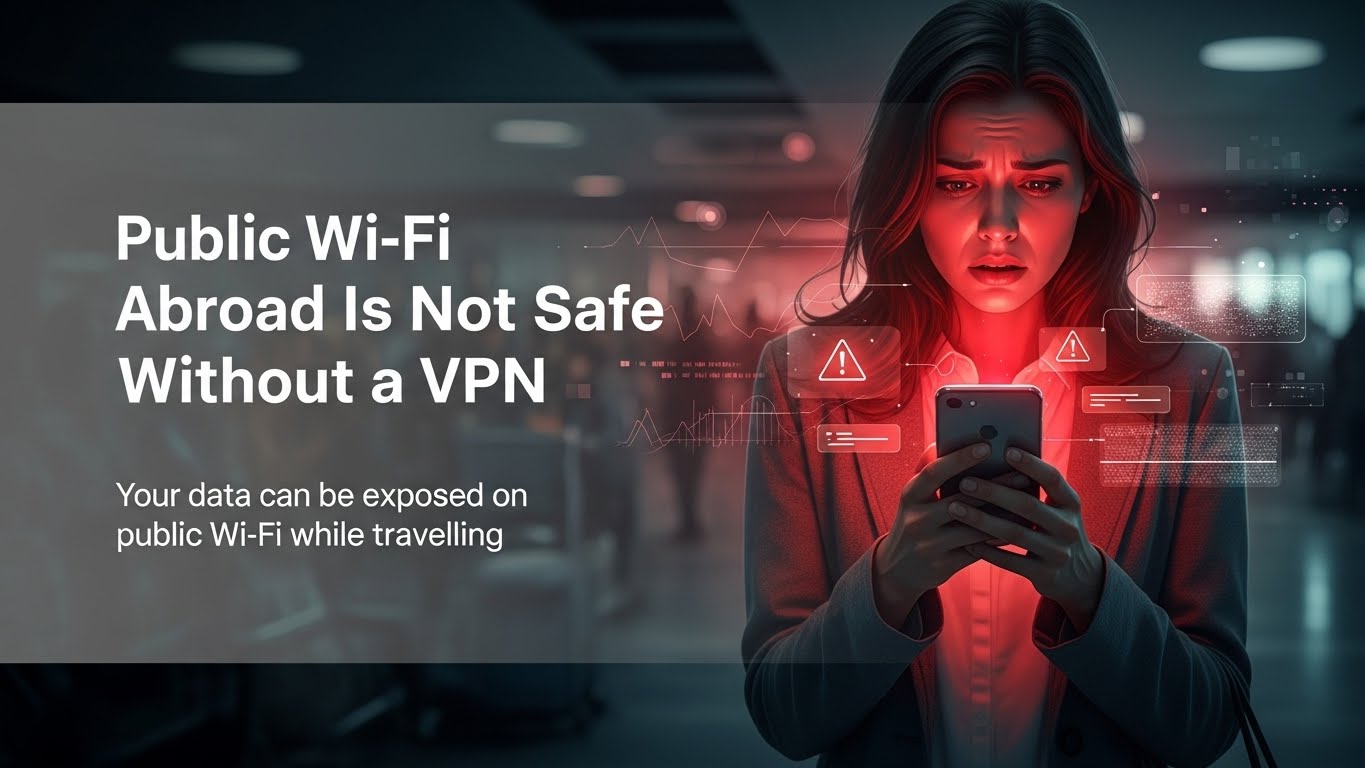
You may have heard that using free Wi-Fi at airports or cafés is dangerous without a VPN.
But what is a VPN?
And can you use it even if you are not good with computers?
If your laptop or smartphone is not connected to a VPN yet, it is a good idea to set it up now!
A VPN protects your laptop and smartphone from these hidden risks.
Using free Wi-Fi without a VPN can be extremely dangerous, especially when traveling abroad.
*You should use a VPN even when traveling.
The three VPN services introduced here offer a 30-day money-back guarantee.
If your stay is less than one month, you can use a VPN at no cost.


VPN stands for Virtual Private Network.
A VPN encrypts your internet connection and protects your personal information.
Simply put, a VPN works like a security tool for your internet connection.
*Using a VPN helps prevent data leaks and privacy problems.
If you use the internet without a VPN connection, your communications may be intercepted by third parties, your internet provider may share your communications logs with government agencies, and you may be restricted from browsing certain websites.
To avoid these risks, I recommend using a VPN, especially when traveling abroad.
When you use a VPN, your internet connection changes in two important ways: “Tunneling” and “Encryption”.
These two technologies protect you from attacks.
Tunneling creates a private path for your internet traffic. It blocks outside access and protects your data route.
Encryption scrambles your data. Even if someone intercepts it, they cannot read it.
This creates double protection, even advanced against hackers.
*Free Wi-Fi at cafés and airports is used by people from all over the world. This makes it a common target for hackers.
Both paid and free VPNs exist, but there are important differences.
| Feature | Paid VPN | Free VPN |
|---|---|---|
| Risk of data leaks | Very low | High |
| Security level | High | Low |
| Speed and stability | Fast and stable | Slow and unstable |
If your goal is security and privacy, a paid VPN is necessary.
Free VPNs often:
The primary function of a free VPN is to change your IP address. This allows you to access region-restricted content, like streaming services from overseas.
However, a free VPN only changes your IP address. It does not protect the data on your laptop or smartphone.
Airports, cafés, and hotels often offer free Wi-Fi, but these networks are not secure.
Without proper protection, your personal data can be exposed.
A VPN encrypts your internet connection and protects your device from data theft and hacking.
Here, we introduce three globally trusted VPN services.
All three VPN services offer a 30-day money-back guarantee.
*If your trip is within 30 days, you can use the VPN for free during your travel.
This lets you protect your laptop and smartphone while abroad, without any long-term commitment.
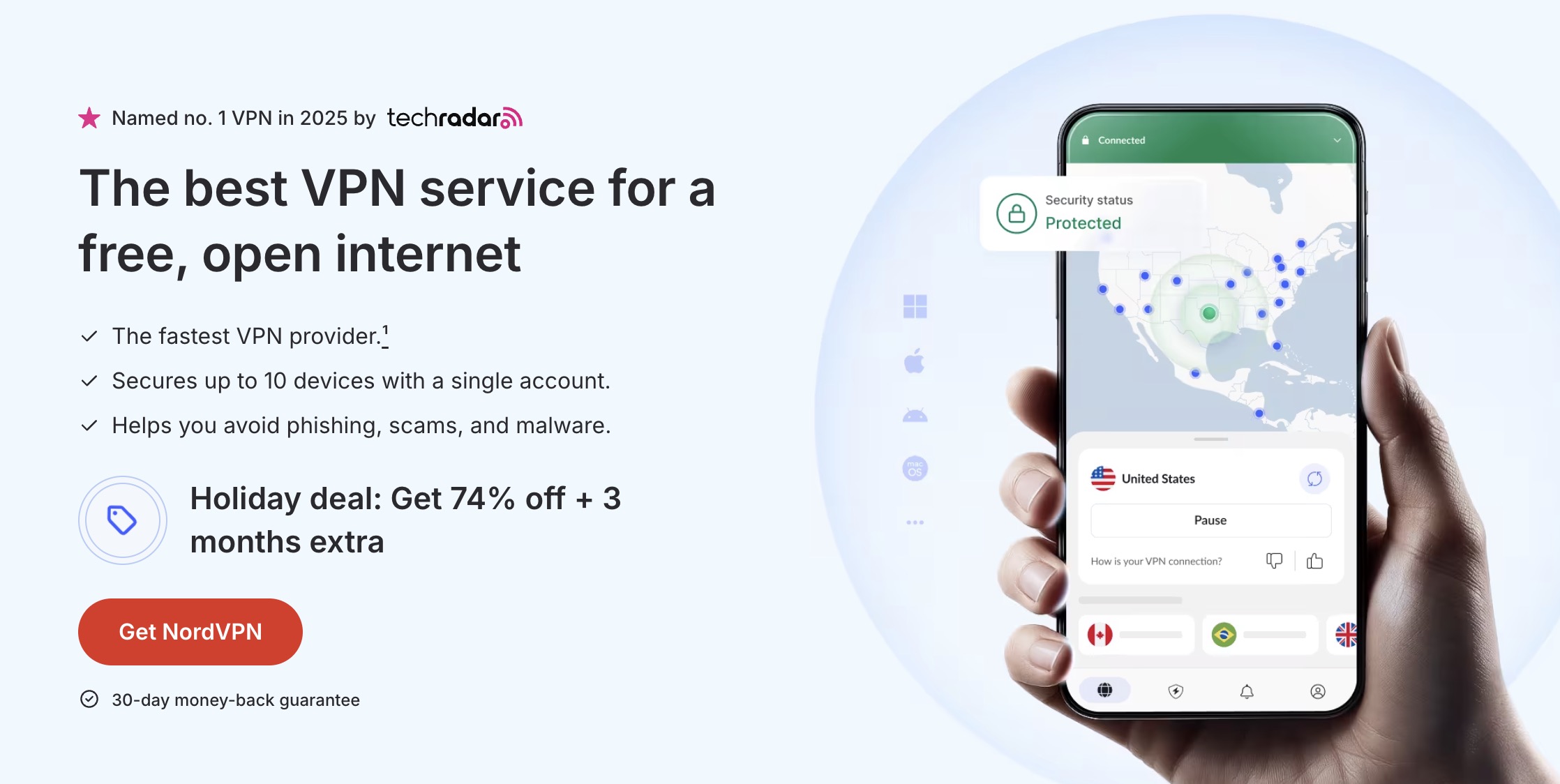
NordVPN is a well-known VPN service trusted by travelers worldwide. It is easy to set up and simple to use, even for first-time VPN users.
Plans start at $3.39 per month, making it an affordable option for travelers who want reliable security.
It also includes a 30-day money-back guarantee, so you can try it without risk during your trip.
You can use one account on up to 10 devices at the same time. This is useful if you travel with multiple devices or share the VPN with family or friends.
If you are looking for a VPN that is simple, affordable, and safe for overseas travel, NordVPN is a reliable choice.
Try it risk-free. Don’t like it? Get a full refund!
Surfshark is a budget-friendly VPN that is easy to use and ideal for travel. It is especially popular with travelers who want simple protection at a low cost.
Plans start at $2.19 per month and also includes a 30-day money-back guarantee.
One Surfshark account can be used on unlimited devices at the same time.
This is perfect if you travel with multiple devices or want to share one plan with family or friends.
With servers in over 100 countries, Surfshark helps protect your devices when using public Wi-Fi at airports, cafés, and hotels around the world.
Try it risk-free. If you don’t like it, get a full refund.
ExpressVPN is especially popular with users who want stable connections and simple operation while traveling abroad.
Plans start at $4.99 per month and include a 30-day money-back guarantee.
While it is slightly more expensive than some budget VPNs, it offers strong reliability and peace of mind for travelers.
With servers in over 105 countries, ExpressVPN helps protect your laptop and smartphone on public Wi-Fi at airports, cafés, and hotels worldwide.
You can connect up to 8 devices at the same time, making it convenient for travelers carrying multiple devices.
Try it risk-free for your trip. Don’t like it? Get a full refund.